LetsBuildUp.org vs Substack: Comparing Blogging Features
|
Getting your Trinity Audio player ready...
|
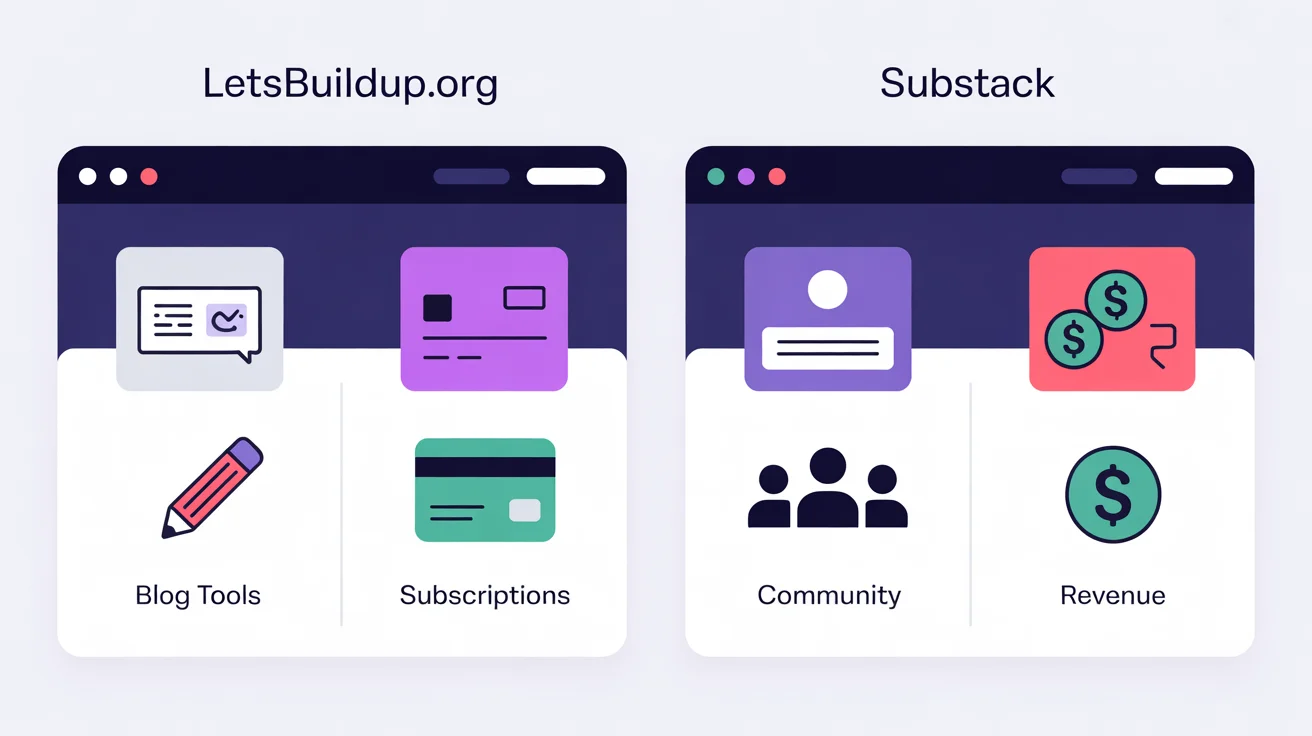
If you’re choosing a platform for blogging or content publishing, you might be evaluating LetsBuildUp.org and Substack. Both offer unique strengths but serve somewhat different goals. Here’s a breakdown of how they compare — especially for blogging — so you can decide which suits you better.
What Each Platform Offers
LetsBuildUp.org
LetsBuildUp.org is described primarily as a community and collaboration platform focused on connecting people, sharing resources, and organising projects. It also supports content creation and blogs, particularly with community-engagement tools.
Key features from the site include project-management tools, educational resources, event/workshop support, community forums, and content posting.
Substack
Substack started as a newsletter platform and has evolved into a hybrid newsletter + blog + subscription platform. It focuses on enabling creators to publish written content (and now multimedia), manage subscriber lists, and monetise directly from readers. (TechRadar)
Key features: simple editor, email/newsletter delivery + web blog archive, monetisation through subscriptions, analytics for subscribers and engagement. (inkl)
Feature-by-Feature Comparison
| Feature | LetsBuildUp.org | Substack |
| Purpose / Focus | Community-driven, collaboration, projects + blogs | Newsletter/blog, direct readership & subscriptions |
| Writing & Blogging Tools | Offers blog posting within a community context; less detail publicly about advanced blogging features. | Very strong for writing and publishing content quickly. Editor is minimal but effective. (TechRadar) |
| Audience & Community | Community forums, collaboration, networking built-in. (bridgecrest) | Built-in subscriber model, Notes feed, Recommendations. Discoverability less automatic for new creators. (System Ent Corp) |
| Monetisation Options | Information is less public about direct subscription/business blog monetisation; more focus on collaboration and community tools. | Clear monetisation: paid subscriptions, multiple tiers, you control pricing. Platform takes a 10% cut. (SchoolMaker) |
| Customization & Branding | Likely offers more control in a community/project setting (branding, team spaces) though not all blogging branding details are clear. | Some custom domain and branding options but design options are limited. Focus is on simplicity. (inkl) |
| Flexibility for Blogging Style | Good for project-based, community-driven blogs, team contributions, multi-author formats. | Excellent for one-person creator or newsletter/blog hybrid; less flexible for full website/blog network unless you connect other tools. |
| Ease of Use | Appears beginner-friendly with many tools for community, though might require exploring several features. | Very easy: launch fast, publish quickly. Minimal setup. (TechRadar) |
| Discoverability & Growth | Community and forums help discover content; but actual traffic/visibility scale may depend on activity levels. | Strong for subscriber-based growth; but many users note difficulty gaining audience without prior following. (Reddit) |
Pros and Cons: Blogging Perspective
Pros of LetsBuildUp.org for Blogging
- Offers a community environment, making collaboration, discussion and engagement easier.
- Good for team blogs or project-blogs where more than one person contributes.
- Might provide more “all-in-one” tools: collaboration + writing + community.
- Potentially good for niche communities and project-driven content (social impact, non-profits, learning).
Cons of LetsBuildUp.org for Blogging
- Possibly fewer public reviews of strong monetisation / large audience blogging features compared with platforms built for blogging.
- If your main goal is independent blogging, search engine traffic, or large-scale reach, you may find the audience smaller.
- Less known as a dedicated “blogging platform” compared to legacy systems — you might need to explore features yourself.
Pros of Substack for Blogging
- Very streamlined for writing and publishing. Get started quickly.
- Built-in way to monetise via subscriptions, free/paid content mixed.
- Own your subscriber list and reader relationship.
- Good for independent writers building a personal brand.
Cons of Substack for Blogging
- Limited design/customisation — if you want full blog site with lots of layout control, you’ll be constrained.
- Discoverability may be challenging unless you bring in audience or leverage the platform’s social features.
“I’ve spent about 25 hours… and nobody is reading it.” (Reddit)
- Platform takes a cut of subscription revenue; you’re still dependent on the ecosystem.
- Less oriented for multi-author team blogs or project-community collaboration.
Which Platform Should You Choose?
If you’re evaluating based on your blogging goals, here’s how you might decide:
- Choose LetsBuildUp.org if you:
- Want to blog within a community and collaborate with others.
- Have a project, team or learning/impact focus, not just personal blogging.
- Value community discussions, workshops, networking along with blogging.
- Want to blog within a community and collaborate with others.
- Choose Substack if you:
- Are a solo writer or small team and want to write, publish and monetise.
- Want to build a direct subscriber base and own your audience.
- Prefer minimal setup, focusing on writing content regularly.
- Are a solo writer or small team and want to write, publish and monetise.
It’s also possible to use both: e.g., use LetsBuildUp.org for collaborative work or theme projects, and Substack for your personal writing and subscriber base.
Final Thoughts
Both platforms are valid and valuable — but for slightly different use-cases.
If your main goal is blogging with an independent audience, subscription-driven growth and minimal friction, Substack may lead. If your aim includes community, collaboration, project work, connection and multi-author content, LetsBuildUp.org may have an edge.
👉 Evaluate what you value most (audience ownership vs community, solo blogging vs team work, monetisation vs collaboration), and pick accordingly. You can always start small on one and switch or add the other.
If you like, I can pull together a detailed comparison table with pricing, analytics features, customization limits, specific blogging use-cases for both platforms (2025) for you — would that help?