LetsBuildUp.org Notifications: How They Work
|
Getting your Trinity Audio player ready...
|
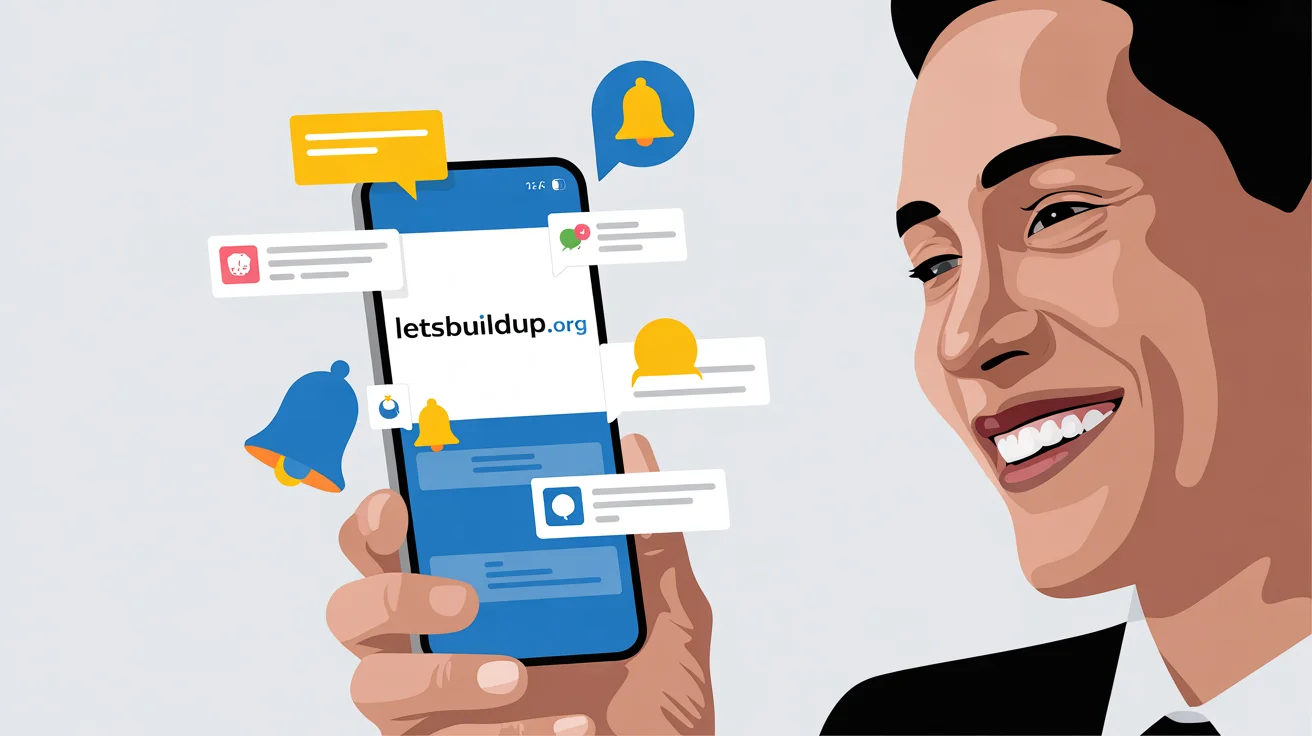
If you’ve joined LetsBuildUp.org, you’ve probably seen small alerts or messages called notifications. These notifications help you stay updated about live webinars, new courses, and community events.
In this guide, you’ll learn exactly how LetsBuildUp.org notifications work, how to manage them, and how they can make your learning journey easier.
What Are LetsBuildUp.org Notifications?
Notifications are short messages that tell you about important updates on your LetsBuildUp.org account.
They can appear:
- On your dashboard (as pop-ups or icons)
- In your email inbox
- Or as browser alerts, if you allow them
Their goal is simple — to keep you informed so you don’t miss any live events or learning opportunities.
Types of Notifications on LetsBuildUp.org
LetsBuildUp.org sends different types of notifications depending on your activity and interests:
- Webinar Alerts – Reminders about upcoming or live webinars you’ve registered for.
- Course Updates – Notifications when a new course is added or an existing one is updated.
- Event Announcements – Special sessions, workshops, or guest speaker events.
- Community Messages – Alerts from groups or discussions you follow.
- Personal Reminders – Private messages like registration confirmations, attendance certificates, or feedback requests.
How LetsBuildUp.org Notifications Work
The platform uses a smart notification system that personalizes updates for each user. Here’s how it works:
- Tracking Your Interests
When you sign up or browse topics, the system automatically learns what kind of content you prefer — such as marketing, business growth, or skill development. - Matching New Updates to You
Whenever a new webinar or course matches your interests, you’ll get a notification directly in your dashboard or email. - Sending Real-Time Alerts
Before a live session starts, a quick reminder notification appears — so you never miss the webinar you registered for. - Post-Event Follow-Up
After a session ends, you might get a notification about replay links, certificates, or upcoming related topics.
This makes the entire learning experience smooth and well-organized.
How to Enable or Disable Notifications
You have full control over which notifications you want to receive.
To manage them:
- Log in to your LetsBuildUp.org account.
- Go to Settings > Notifications.
- Turn on or off options like:
- Email alerts
- Browser pop-ups
- Webinar reminders
- Community updates
- Email alerts
This allows you to receive only the notifications that truly matter to you.
Benefits of LetsBuildUp.org Notifications
Here’s why staying subscribed to notifications is helpful:
- Never miss a live webinar or event.
- Stay informed about new learning opportunities.
- Save time by getting updates directly, without checking manually.
- Receive replays and certificates through timely alerts.
These small updates make your online learning more effective and organized.
Common Issues and Fixes
If you’re not receiving notifications, try these quick solutions:
- Check your spam or promotions folder in email.
- Make sure your browser permissions for notifications are turned on.
- Review your notification settings under your account preferences.
If the issue continues, contact LetsBuildUp.org Support for help.
Final Thoughts
LetsBuildUp.org notifications are designed to help learners stay updated, engaged, and connected. From live webinar alerts to course reminders, they make sure you never miss a chance to grow your skills.