How to Upload and Edit Posts on LetsBuildUp.org
|
Getting your Trinity Audio player ready...
|
If you want to grow your voice online, LetsBuildUp.org is the perfect place to start. It allows writers, creators, and community builders to share their thoughts with a wider audience. But to make the most of the platform, you need to know how to upload and edit posts properly.
In this article, we’ll guide you step by step through the process so you can share your ideas with confidence.
Why Posting on LetsBuildUp.org Matters
Uploading your posts on LetsBuildUp.org comes with many benefits:
- Reach more readers who are interested in your topics.
- Build your personal brand as a writer or creator.
- Connect with a community of mentors, creators, and leaders.
- Improve your skills by editing and updating your content anytime.
Now let’s see how you can upload and edit posts with ease.
Step 1: Log In to Your Account
Go to www.LetsBuildUp.org and log in using your email and password. If you don’t have an account yet, make sure to register first.
Step 2: Go to the “Create Post” Section
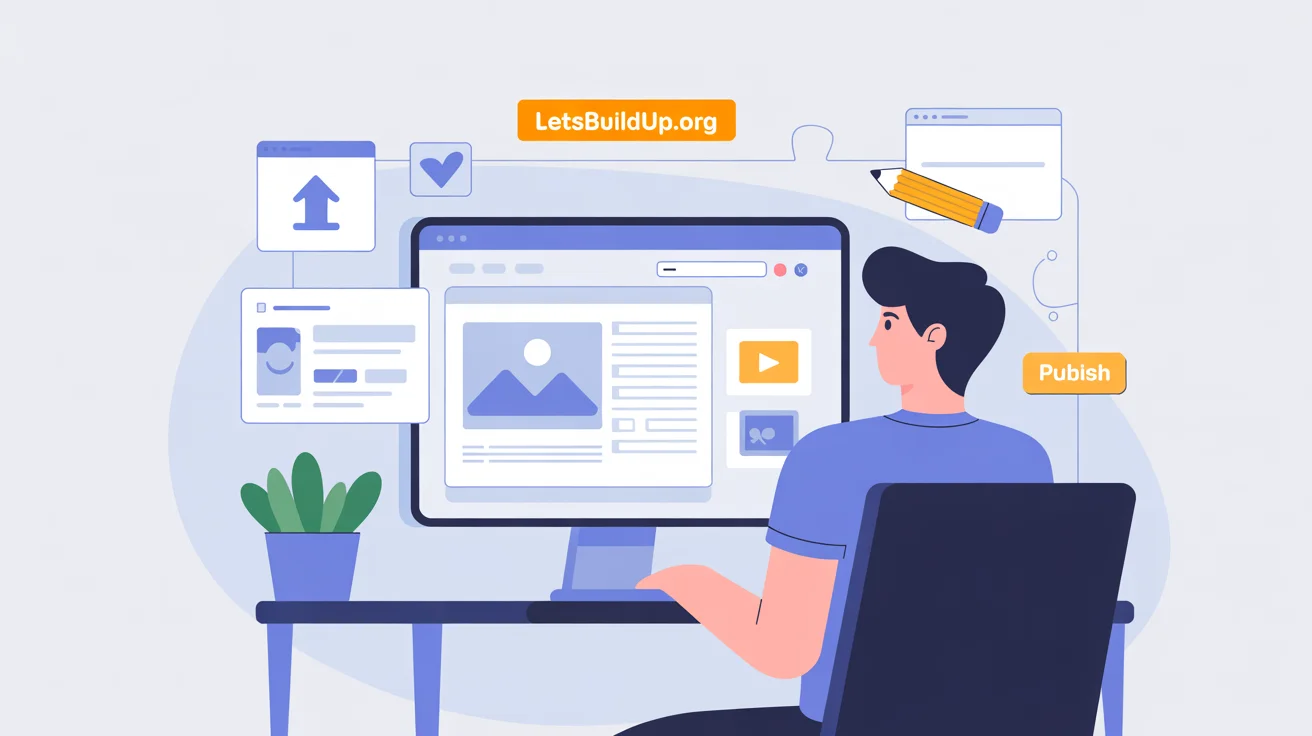
Once logged in, find the “Create Post” option on your dashboard or homepage. This is where you’ll start writing your content.
Step 3: Write Your Content
You’ll see a text editor where you can:
- Add a title for your post.
- Write your content in simple, clear language.
- Use formatting tools like bold, italics, bullet points, and headings to make your post easy to read.
Tip: Keep sentences short and simple for better readability.
Step 4: Add Images or Media
To make your post engaging, you can add:
- Images related to your content.
- Videos (if supported).
- Links to helpful resources.
Visuals make posts more attractive and hold the reader’s attention.
Step 5: Save and Publish
After finishing your content, you’ll see options to:
- Save as Draft → If you want to review it later.
- Publish Now → To share it instantly with the community.
Click Publish once you’re satisfied with your post.
How to Edit Your Posts
Sometimes you may need to make changes after publishing. Editing is simple on LetsBuildUp.org.
Step 1: Go to Your Profile
Open your profile and find the list of posts you’ve already published.
Step 2: Select the Post
Click on the post you want to edit.
Step 3: Click “Edit”
You’ll see an Edit button near the post. Click it to reopen your content in the editor.
Step 4: Make Changes
Now you can:
- Fix spelling or grammar mistakes.
- Update information with the latest details.
- Add new sections or images to make your post fresh.
Step 5: Save Updates
Once done, click Update Post to save your edits. Your readers will now see the improved version.
Best Practices for Uploading and Editing
- Always proofread before publishing.
- Use short paragraphs and clear headings.
- Add images to make your post stand out.
- Update old posts regularly to keep content fresh.
- Focus on simple language so everyone can understand.
Common Problems and Quick Fixes
- Post not saving? → Check your internet connection.
- Image not uploading? → Ensure the file size and format are supported.
- Edits not showing? → Refresh the page or clear your cache.
Conclusion
Uploading and editing posts on LetsBuildUp.org is simple, even for beginners. With just a few steps—logging in, creating your post, adding media, publishing, and editing—you can share your voice with the world.
By following these steps and best practices, you’ll not only publish content but also build a stronger online presence. So, start writing today and let LetsBuildUp.org help you grow.