How to Collaborate with Teams Using LetsBuildUp.org Tools
|
Getting your Trinity Audio player ready...
|
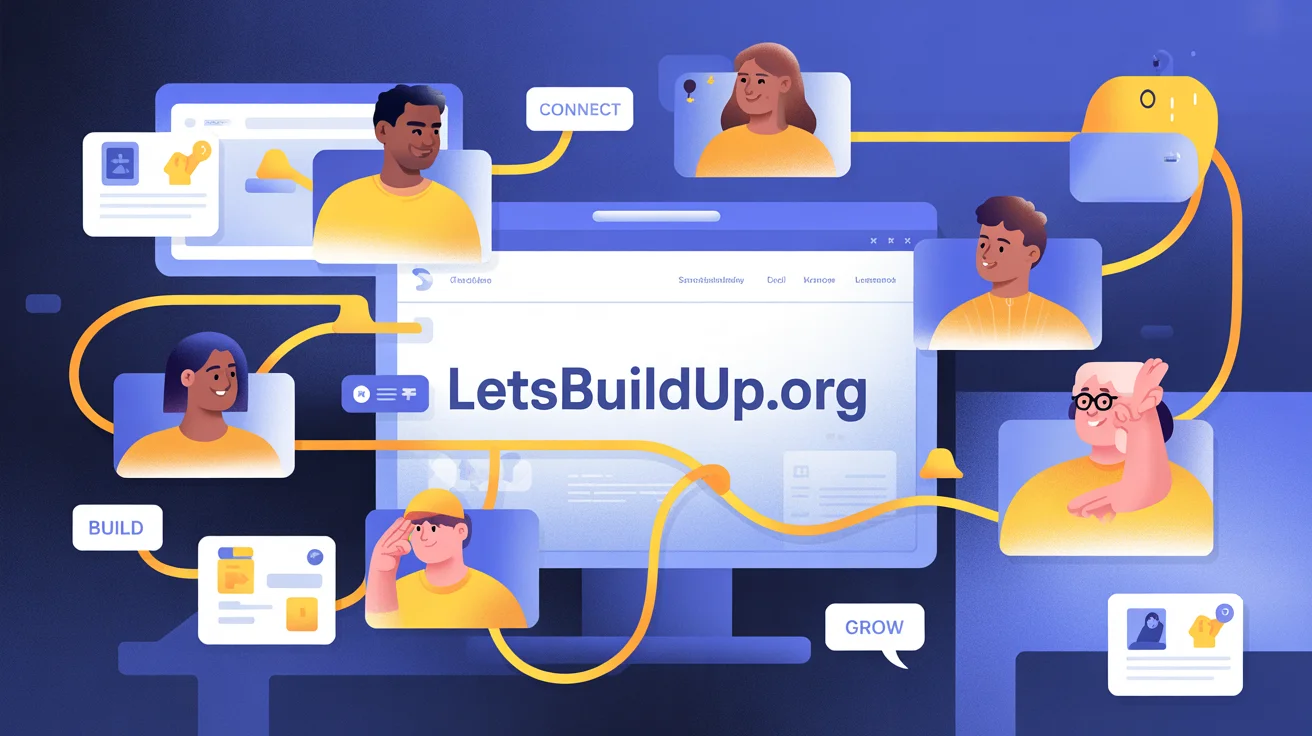
Working together online can be difficult without the right tools. That’s where LetsBuildUp.org comes in. It’s not just a blogging or community platform — it’s a collaboration hub that helps teams plan, communicate, and manage projects efficiently.
In this article, we’ll explain how to use LetsBuildUp.org’s built-in tools to collaborate with your team, share ideas, and track progress with ease.
Why Team Collaboration Matters
Collaboration is key to success — whether you’re working on a social project, a startup idea, or a learning community.
Using LetsBuildUp.org for teamwork helps you:
- 🤝 Work together in real time
- 🧠 Share knowledge and ideas easily
- 🕒 Save time on coordination
- 📈 Track progress and stay organized
- 💬 Keep all communication in one place
Main Collaboration Tools on LetsBuildUp.org
Here’s a breakdown of the top team features LetsBuildUp.org offers:
| Feature | Purpose | How It Helps |
| Team Spaces | Private areas for teams | Collaborate securely and organize projects |
| Shared Blogs | Group posts and updates | Publish collective insights and progress |
| Chat & Messaging | Direct and group messages | Real-time communication |
| Task Boards | Manage to-do lists and deadlines | Track responsibilities efficiently |
| Webinars & Meetings | Host learning or planning sessions | Keep everyone aligned |
| File Sharing | Upload docs, images, and notes | Centralized resource management |
Step-by-Step: How to Collaborate with Teams
Step 1: Log In and Create a Team Space
After logging into your LetsBuildUp.org account:
- Go to your Dashboard.
- Click on “Create Team Space.”
- Enter your team name, purpose, and invite members by email or username.
✅ Tip: Choose a descriptive team name like “Marketing Squad” or “Community Builders.”
Step 2: Invite Team Members
Once your team space is ready, click “Invite Members” and share the unique invite link.
Members can join instantly and start collaborating after approval.
Step 3: Assign Roles and Permissions
To keep things organized:
- Assign Admins for management tasks.
- Add Editors for content creation.
- Give View-only access to observers or clients.
This helps prevent confusion and ensures everyone knows their part.
Step 4: Start a Shared Blog or Project
Within your team space, click on “New Blog” or “New Project.”
Here, multiple members can co-edit posts, add updates, and publish under the team’s profile.
💡 Example: A nonprofit team can publish project updates, fundraising progress, and event recaps in one shared blog.
Step 5: Use the Built-in Chat for Communication
Forget long email chains!
- Open the Chat tab to start conversations instantly.
- Create topic-based threads like Ideas, Design Feedback, or Task Updates.
- Tag teammates using @username for quick mentions.
You can even share files directly in chat for smoother collaboration.
Step 6: Manage Tasks with Boards
The Task Board helps your team stay productive.
- Add a new task (e.g., “Draft social media post”).
- Assign it to a team member.
- Set due dates and mark progress (To Do → In Progress → Done).
| Task Example | Assigned To | Status |
| Write weekly blog | Aisha | In Progress |
| Design banner | Rohan | Completed |
| Schedule webinar | Sana | Pending |
Step 7: Schedule Webinars and Team Meetings
Teams can use LetsBuildUp.org Webinars to plan live sessions, training events, or brainstorming calls.
- Go to the Webinar tab in your space.
- Click “Create Webinar” → add topic, date, and time.
- Share the invite link with members.
💬 Use webinars for idea pitching, feedback sessions, or online workshops.
Step 8: Share and Organize Files
Every team space includes File Storage for documents, templates, images, and reports.
- Upload files from your computer or cloud drive.
- Create folders by project name.
- Control access (view/edit).
This makes collaboration smooth — no more lost files or confusing attachments!
Benefits of Team Collaboration on LetsBuildUp.org
- 🌐 Centralized Workspace: Everything—chats, blogs, and files—stays in one place.
- ⚡ Better Productivity: Assign and track work without external apps.
- 🗂️ Organized Content: Manage blogs, webinars, and updates efficiently.
- 🤝 Enhanced Communication: Everyone stays informed and aligned.
- 💡 Skill Development: Teams can learn together through webinars and shared blogs.
Tips to Collaborate Effectively
- ✅ Set clear goals before starting a project.
- ✅ Use task boards regularly to track progress.
- ✅ Encourage open communication via chat.
- ✅ Recognize and appreciate teammates’ contributions.
- ✅ Review analytics to see how your team content performs.
Common Mistakes to Avoid
- ❌ Not assigning roles clearly.
- ❌ Ignoring chat messages or updates.
- ❌ Forgetting to update task status.
- ❌ Mixing personal and team projects in one space.
Comparison: LetsBuildUp.org vs Other Team Tools
| Feature | LetsBuildUp.org | Google Workspace | Slack |
| Blogs & Content | ✅ Yes | ❌ No | ❌ No |
| Team Chat | ✅ Built-in | ✅ | ✅ |
| Task Boards | ✅ Yes | ❌ | ✅ (Limited) |
| Webinars | ✅ Integrated | ❌ | ❌ |
| File Storage | ✅ Yes | ✅ | ✅ |
| Community Access | ✅ Yes | ❌ | ❌ |
LetsBuildUp.org combines all collaboration tools in one ecosystem — ideal for teams that want to learn, share, and grow together.
FAQ Section
Q1: Can I add unlimited members to a team?
Free plans have limits, but premium users can add unlimited members.
Q2: Can teams from different countries collaborate?
Yes! LetsBuildUp.org supports global collaboration with no regional restrictions.
Q3: Are team chats private?
Yes, only team members with permission can access them.
Q4: Can multiple people edit the same blog post?
Yes, teams can co-edit posts in real time before publishing.
Q5: Is file storage included in all plans?
Yes, but premium members get more storage capacity.
Conclusion
Collaborating on LetsBuildUp.org is simple, efficient, and inspiring. With tools like team spaces, shared blogs, task boards, and live webinars, teams can work smarter and stay connected from anywhere in the world.
Whether you’re part of a nonprofit, startup, classroom, or online community, LetsBuildUp.org gives you everything you need to build, manage, and grow together.