How LetsBuildUp.org Helps You Organize Your Content
|
Getting your Trinity Audio player ready...
|
Managing your blogs and ideas can be tough when everything feels scattered. That’s why LetsBuildUp.org offers smart tools to help writers and creators organize their content easily. Whether you’re writing your first post or managing multiple projects, this platform ensures that your work stays structured, accessible, and professional.
In this guide, we’ll explore the features and best practices that make LetsBuildUp.org the perfect space for content organization.
Why Content Organization Matters
Before diving into features, let’s understand why organizing content is so important:
- ✅ Saves Time: You can quickly find past posts, drafts, or ideas.
- ✅ Boosts Productivity: Organized content means fewer distractions and smoother workflow.
- ✅ Improves Quality: Structured writing helps you stay focused and consistent.
- ✅ Enhances Reader Experience: Well-categorized blogs make it easier for visitors to explore.
- ✅ Supports Long-Term Growth: Easy management allows you to scale your blog efficiently.
Key Tools LetsBuildUp.org Offers for Content Organization
1. Dashboard Overview
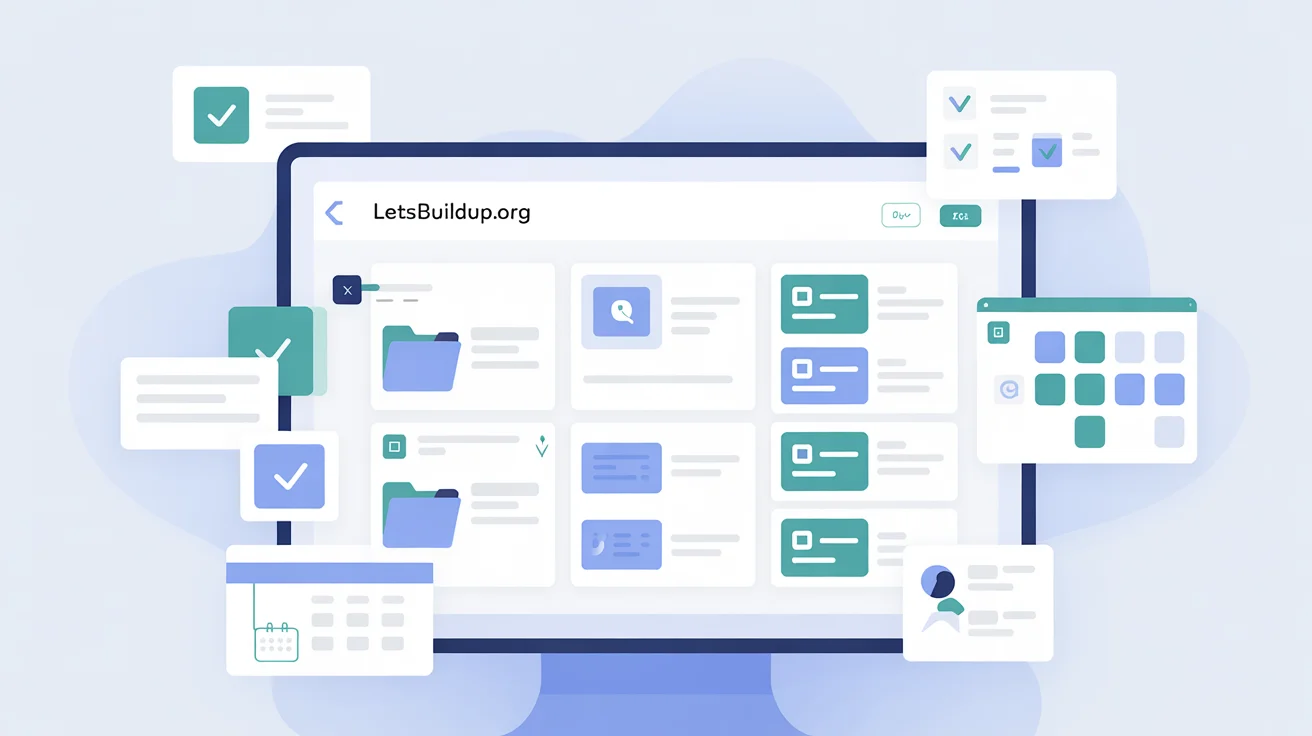
When you log in, your LetsBuildUp.org dashboard shows all your posts — published, drafts, and scheduled — in one place.
You can easily view:
- Post status (draft/published/scheduled)
- Last updated date
- Category and tags used
This feature helps you track progress and manage deadlines effortlessly.
2. Categories and Tags
LetsBuildUp.org lets you assign categories and tags to your blogs. These tools act like folders and labels, helping you group related content.
- Categories: Broader topics like Education, Blogging, Technology.
- Tags: Specific keywords like writing tips, online tools, productivity hacks.
Example:
If your article is about “Writing Better Blog Introductions,” you can categorize it under Blogging and tag it as writing tips, beginners, content creation.
This improves both navigation and discoverability.
3. Content Templates
Templates are one of LetsBuildUp.org’s most useful organization tools. Each template has predefined sections — introduction, headings, tips, and conclusion — so you can focus on writing instead of formatting.
Templates also help you:
- Maintain consistent structure across posts.
- Avoid missing important sections.
- Save time with ready-to-use outlines.
4. Draft and Scheduling System
The platform makes it easy to save drafts and schedule posts for later. This means you can plan your weekly or monthly content strategy without rushing.
Pro Tip: Schedule posts for times when your readers are most active for better engagement.
5. Built-In Editor Tools
The text editor includes simple features like headings, bullet lists, bold text, and quote boxes. These options make your content look clean and easy to read — no external software needed.
You can also preview your post before publishing to ensure proper formatting and spacing.
6. Collaborative Features
LetsBuildUp.org supports team and community collaboration. You can invite co-authors, share drafts, and get feedback from other members before publishing.
This not only organizes your workflow but also improves content quality through shared insights.
7. Resource Library
Premium members get access to a resource library filled with templates, style guides, and writing checklists. You can download, reuse, and adapt these materials for your posts — keeping everything structured.
Tips to Stay Organized on LetsBuildUp.org
- 🗂️ Plan Ahead: Use a monthly calendar to map out your blog ideas.
- ✍️ Use Clear Titles: Helps you find posts quickly in your dashboard.
- 🧠 Group Related Topics: Use similar categories for connected posts.
- 📅 Update Old Blogs: Keep your content fresh and relevant.
- 🧾 Take Notes: Jot down quick ideas in the drafts section for future use.
Common Mistakes to Avoid
- ❌ Using too many categories or unrelated tags.
- ❌ Ignoring the draft feature and losing progress.
- ❌ Posting without checking formatting and spacing.
- ❌ Not reviewing older content for updates.
Comparison Table: Manual Organization vs LetsBuildUp.org Tools
| Feature | Manual Blogging | LetsBuildUp.org |
| Post Storage | Stored in files or notes | Stored online in dashboard |
| Collaboration | Limited | Real-time feedback and co-authoring |
| Categorization | Manual tagging | Built-in tags & categories |
| Templates | Need to create manually | Ready-to-use templates |
| Scheduling | External tools needed | Integrated scheduler |
FAQ Section
Q1: Do I need a premium account to organize content?
No, basic tools like drafts, tags, and categories are available to all users.
Q2: Can I collaborate on blogs?
Yes, LetsBuildUp.org allows team collaboration for editing and feedback.
Q3: How do I track my published posts?
Your dashboard displays all posts along with their status and dates.
Q4: Are templates customizable?
Yes, you can edit and modify templates based on your writing needs.
Q5: Can I organize my posts by topic or type?
Yes, use categories and tags to group your posts effectively.
Conclusion
LetsBuildUp.org is not just a blogging platform — it’s a complete content management solution. From templates to categories and scheduling tools, it provides everything you need to stay organized and consistent.
Whether you’re a student, blogger, or professional, using these tools wisely will help you save time, maintain structure, and focus on what truly matters — creating meaningful content.
So start organizing your blogs today on LetsBuildUp.org and make your content strategy smarter and more efficient!