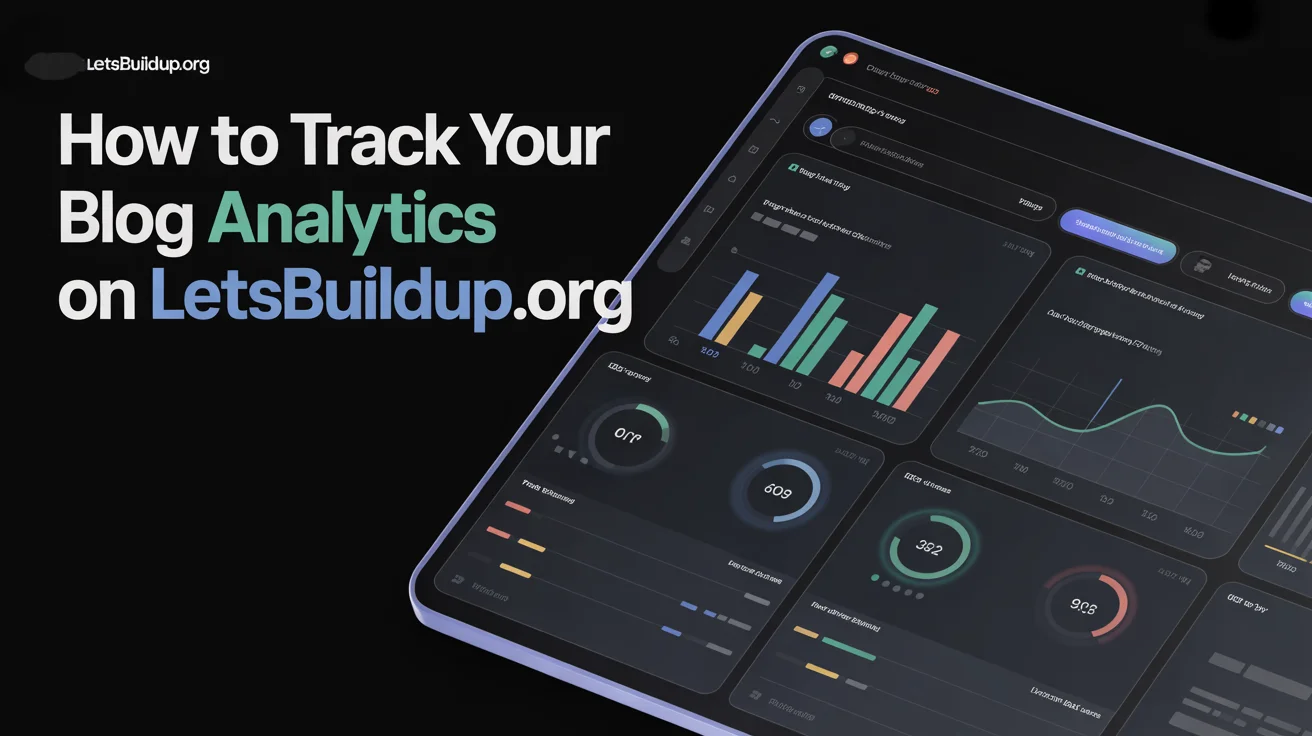
How to Track Your Blog Analytics on LetsBuildUp.org
|
Getting your Trinity Audio player ready...
|
Tracking analytics helps you understand how your blog is performing. LetsBuildUp.org provides simple tools to check views, likes, comments, and other engagement metrics.
By tracking analytics, you can improve your posts, get more readers, and grow your blogging skills.
H2: Why Blog Analytics Matter
- Know how many people read your blog
- Identify your most popular posts
- Understand what type of content works
- Improve engagement with readers
- Grow your followers faster
H2: How to Track Analytics on LetsBuildUp.org
H3: Step 1 – Log in to Your Account
- Open LetsBuildUp.org
- Enter your email and password
H3: Step 2 – Go to the Dashboard
- Tap My Blogs
- You will see a summary of your posts
H3: Step 3 – Click on Analytics
- Find Analytics on the blog menu
- Tap it to open detailed stats
H3: Step 4 – Check Your Stats
Analytics usually show:
- Total views
- Unique visitors
- Likes and comments
- Shares
- Top-performing posts
H2: How to Use Analytics to Improve Your Blog
H3: 1. Identify Popular Content
- Posts with most views and engagement
- Write more on similar topics
H3: 2. Track Engagement Rate
- Look at likes, comments, and shares
- Focus on content your readers love
H3: 3. Monitor Growth Over Time
- Check stats weekly or monthly
- See which posts brought new followers
H3: 4. Adjust Posting Strategy
- Post at times when engagement is high
- Try new formats like images or videos if older posts do well with media
H2: Analytics Features Comparison Table
| Feature | What It Shows | How It Helps |
| Views | Total readers | Identify popular posts |
| Unique Visitors | Count of new readers | Track audience growth |
| Likes & Comments | Engagement metrics | Measure interest |
| Shares | Social reach | Promote your blog |
| Top Posts | Best content | Focus on winning topics |
H2: Tips for Using Analytics Effectively
- Check analytics every week
- Focus on top-performing posts
- Experiment with new topics and track results
- Use insights to improve titles and media
- Engage with readers on posts with high activity
H2: Common Problems & Solutions
| Problem | Reason | Solution |
| Analytics not showing | Browser issue | Refresh page or log out/in |
| Data seems low | Recent post | Wait 24 hours for stats |
| Wrong engagement | Bot clicks | Ignore abnormal spikes |
| Unable to find analytics | New interface | Check “My Blogs” menu |
FAQs
1. Can beginners track analytics on LetsBuildUp.org?
Yes, it is simple and easy to use.
2. How often should I check analytics?
Weekly is recommended to monitor trends.
3. Can analytics show which country my readers are from?
Yes, detailed analytics include location info.
4. Will analytics help me increase followers?
Yes, it helps you focus on content your readers like.
5. Can I track analytics for multiple blogs?
Yes, every blog has its own analytics dashboard.
Conclusion
Tracking analytics on LetsBuildUp.org helps you understand your audience, improve content, and grow as a blogger. By regularly checking stats and following the insights, you can write better posts, increase engagement, and reach more readers.