Exploring Collaboration Features on LetsBuildUp.org
|
Getting your Trinity Audio player ready...
|
Collaboration is the heart of growth in today’s digital world. Whether you’re working on a project, learning new skills, or building a community, teamwork helps you move faster and achieve more. That’s exactly what LetsBuildUp.org is designed for — helping people connect, share ideas, and work together easily.
In this article, we’ll explore the collaboration features on LetsBuildUp.org that make it one of the best platforms for learning and community-driven teamwork.
What is LetsBuildUp.org?
LetsBuildUp.org is an online learning and community-building platform. It helps users learn new skills, share knowledge, and collaborate on meaningful projects.
It’s not just a website for reading guides — it’s a place where you can interact with others, join discussions, and create together.
You can use it to:
- Connect with people who share your interests
- Join groups or teams
- Share your work or ideas
- Participate in online events
- Build projects together
In short, it’s where learning meets collaboration.
Why Collaboration Matters on LetsBuildUp.org
Collaboration is important because it helps you:
- Learn faster by exchanging ideas
- Get feedback from experts
- Solve problems as a team
- Create stronger community bonds
- Build confidence through teamwork
LetsBuildUp.org brings people together in a safe, structured, and creative space. Whether you’re a student, educator, or entrepreneur, you’ll find features that help you connect and collaborate effectively.
Key Collaboration Features on LetsBuildUp.org
Let’s explore the most powerful tools that make collaboration easy and fun on LetsBuildUp.org.
1. User Profiles and Connections
Each user on LetsBuildUp.org has a personal profile that shows their interests, skills, and activities. You can follow others, send connection requests, and grow your professional network.
This is perfect for:
- Finding like-minded learners
- Building partnerships
- Staying updated on others’ activities
2. Community Groups
Groups are one of the best features on LetsBuildUp.org for collaboration. You can create or join groups based on specific topics or goals — like writing, sustainability, marketing, or entrepreneurship.
Inside groups, you can:
- Discuss ideas and challenges
- Share updates or announcements
- Upload documents or links
- Plan events and projects
It’s a great way to learn and work together with people who share your vision.
3. Project Collaboration Spaces
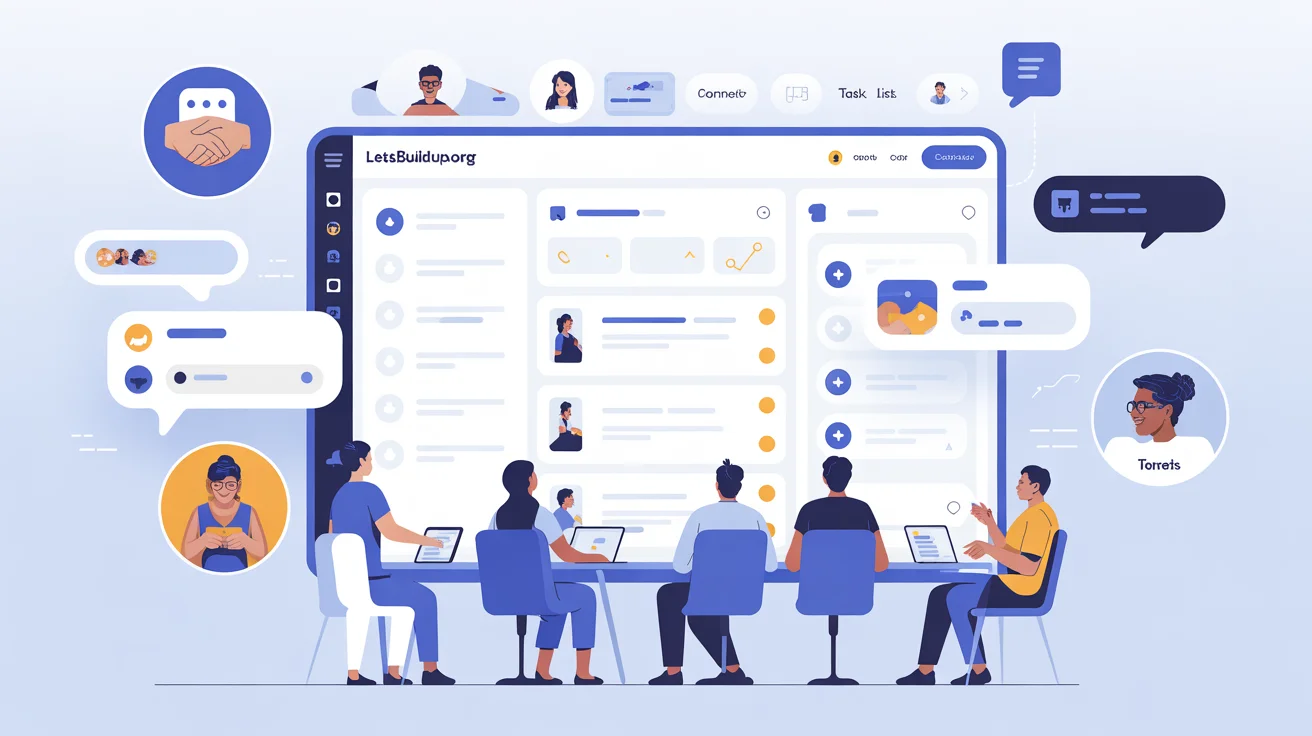
LetsBuildUp.org also offers dedicated project spaces for teams. These spaces allow users to:
- Assign roles and tasks
- Track project progress
- Share files and notes
- Communicate through comments
This setup makes it easy to manage community projects, research collaborations, or educational initiatives — all in one place.
4. Messaging and Direct Chat
The platform includes a built-in messaging system for quick communication. You can send private messages or create small group chats to discuss project details or share feedback instantly.
It keeps collaboration smooth without needing third-party apps.
5. Discussion Forums
Discussion forums are open spaces where members can ask questions, share knowledge, or start debates.
They help you:
- Get answers from community experts
- Find solutions to problems
- Share new ideas publicly
Forums are perfect for those who love open learning and communication.
6. Shared Document and Resource Library
LetsBuildUp.org allows members to upload and share learning materials, templates, and research files with their teams or groups.
You can:
- Store your project files safely
- Access shared materials anytime
- Collaborate on document-based projects
This feature ensures that everyone in your group stays on the same page.
7. Events and Workshops
Collaboration doesn’t stop at messages and documents — it goes live! LetsBuildUp.org regularly hosts online workshops, group challenges, and webinars.
Members can:
- Attend training sessions
- Participate in group learning activities
- Showcase their work or projects
These events are great for building real connections and teamwork beyond the screen.
8. Feedback and Commenting System
Every guide, post, or project allows comments and feedback. This makes collaboration continuous and interactive.
You can:
- Ask questions under posts
- Give suggestions or reviews
- Appreciate others’ efforts
This feature helps keep the community active, supportive, and helpful.
Common Problems and Their Fixes
| Problem | Possible Reason | Solution |
| Can’t join a group | Group is private or full | Request admin access or wait for approval |
| Chat not loading | Internet or browser issue | Refresh or clear cache |
| Can’t upload files | File too large | Compress or use supported formats |
| Notifications not showing | Disabled in settings | Enable notifications in your profile |
| Collaboration invite not received | Email delay | Check spam folder or resend invitation |
Tips to Get the Best Out of Collaboration Features
- Complete your profile to help others find you
- Join active groups that match your interests
- Contribute regularly — share your knowledge or updates
- Be respectful and helpful in discussions
- Attend community events to meet more people
- Follow experts or mentors for consistent learning
These habits make your experience on LetsBuildUp.org more productive and enjoyable.
Benefits of Collaborating on LetsBuildUp.org
- Easy-to-use tools for teamwork
- Free access to learning materials
- Active and diverse community
- Real-time communication features
- Opportunities to build partnerships
- Skill growth through shared learning
Collaboration here isn’t just about projects — it’s about building a supportive network that helps everyone grow.
Frequently Asked Questions (FAQs)
Q1. Do I need an account to collaborate on LetsBuildUp.org?
Yes, you must create an account to join groups, send messages, and participate in projects.
Q2. Is collaboration free on the platform?
Yes, most collaboration features are completely free. Some premium projects may offer advanced tools.
Q3. Can I start my own group or project?
Absolutely! Once logged in, you can create a group or project and invite others to join.
Q4. How do I find people to collaborate with?
Use the “Community” or “Groups” tab to explore profiles and join discussions with people sharing your interests.
Q5. Can I share external tools or links within groups?
Yes, you can share useful links, documents, and tools to support your group or project work.
Conclusion
Exploring the collaboration features on LetsBuildUp.org shows how powerful teamwork can be when people come together to learn and build. From groups and projects to chat and events, the platform gives you everything you need to connect, share, and grow.
If you’re ready to experience meaningful online collaboration, create your free account today and start building something amazing with LetsBuildUp.org.