How to Join Live Webinars on LetsBuildUp.org
|
Getting your Trinity Audio player ready...
|
Learning new skills online is now easier than ever! LetsBuildUp.org offers free and paid live webinars where experts share useful tips about business, marketing, and self-growth. If you want to join a live webinar but don’t know how, don’t worry — this simple guide will show you step-by-step how to get started.
Step 1: Visit the Official Website
Go to www.LetsBuildUp.org using your phone, tablet, or computer.
Once the homepage opens, you’ll see a section called “Upcoming Webinars.” Click on it to view the list of live sessions.
Step 2: Choose a Webinar You Want to Join
Scroll through the list of webinars and pick one that matches your interest.
Each webinar shows the topic, date, time, and speaker’s name.
Click on the title of the webinar to see more details — including what you’ll learn and who the session is for.
Step 3: Sign Up or Log In
To attend any live webinar on LetsBuildUp.org, you need to sign up for a free account.
If you’re new:
- Click on “Sign Up” and enter your name, email, and password.
If you already have an account: - Click “Log In” and use your email and password to access your dashboard.
Step 4: Register for the Webinar
Once logged in, click on the “Register Now” or “Join Webinar” button.
You’ll get a confirmation email with your unique joining link.
Make sure to save this email — you’ll need it on the day of the webinar.
Step 5: Join the Live Webinar
On the webinar day:
- Open your confirmation email.
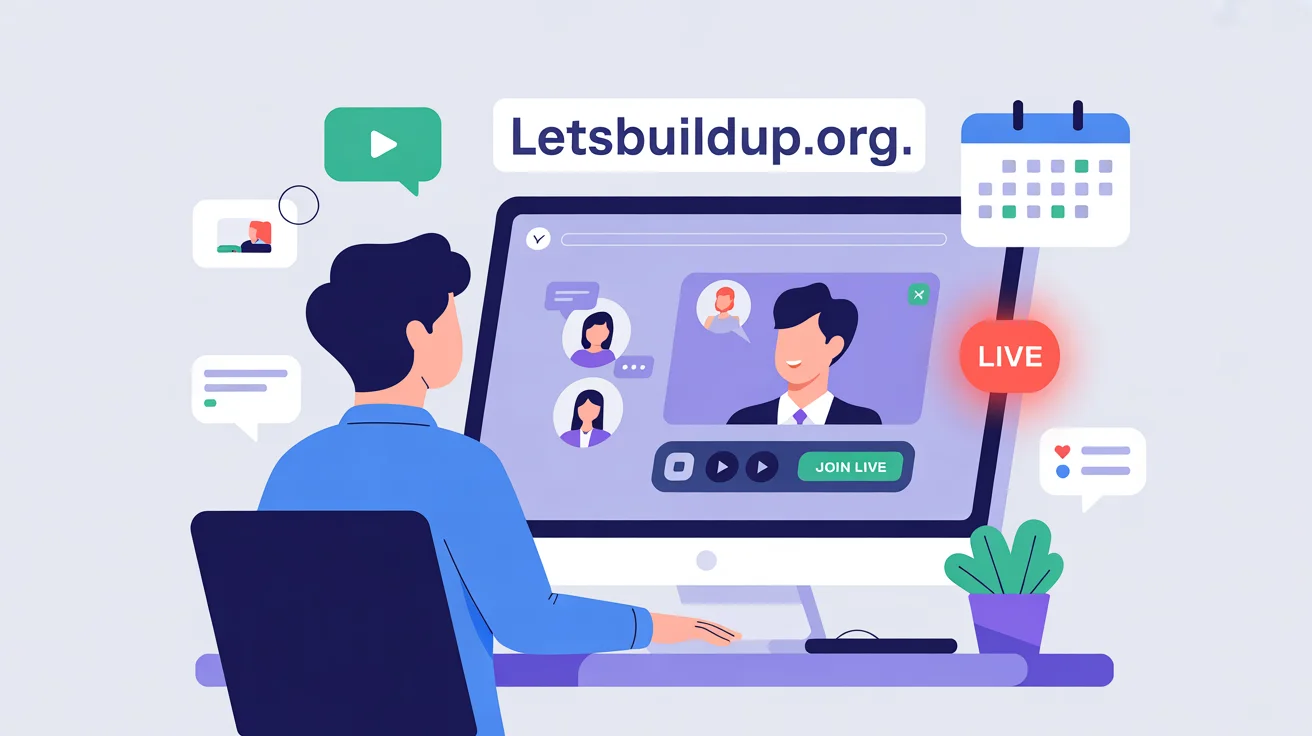
- Click the “Join Live” button 5–10 minutes before the start time.
- The live webinar will open in your browser or Zoom (depending on the host setup).
Tip: Use a strong internet connection for the best experience.
Step 6: Interact During the Session
One of the best parts of LetsBuildUp.org webinars is that they are interactive.
You can:
- Ask questions in the Q&A section
- Chat with other attendees
- Download helpful resources shared by the host
This helps you learn faster and connect with other learners who share your goals.
Step 7: Watch the Replay (If You Missed It)
If you couldn’t join live, don’t worry.
LetsBuildUp.org usually uploads webinar replays for registered users.
You can find them under the “My Webinars” or “Past Sessions” tab on your account dashboard.
Why Join Live Webinars on LetsBuildUp.org?
Here’s why thousands of learners love these sessions:
- Free access to expert-led topics
- Interactive live chats and Q&A
- Certificates for completion (on selected webinars)
- Real-time learning with a friendly community
Whether you want to boost your career, start a business, or learn new digital skills, LetsBuildUp.org is the perfect place to grow.
Final Thoughts
Joining live webinars on LetsBuildUp.org is simple — just sign up, pick your favorite topic, register, and join live on the scheduled date.
Start learning from real experts today and build your skills, step by step!